Apple released the developer beta of visionOS 2.2 a couple weeks ago, which introduced two new available screen sizes when using the Vision Pro as a virtual monitor for the Mac: wide and ultra wide. (Note: Using the new screen modes requires you to run the developer betas on both the Vision Pro and the Mac you’ll be connecting to.) This was particularly good timing for me, as I was on a business trip that involved a 5 1/2 hour flight home. I’d taken the Vision Pro with me on the trip and used the older virtual Mac display feature (equivalent to a single 27-inch, 4K display) on the flight out, so I had the experience fresh in mind.
To keep my impressions relatively short: The new virtual screen sizes are pretty incredible. On a plane especially, where I usually feel a bit too cramped to do much serious work, the new screen modes really open up the possibility for being truly productive. Even when coding in an IDE with many panes open, a separate terminal window or two, and a couple browser windows open for testing and AI use, it all fits on screen and really feels nice. I currently use an Odyssey OLED G9 ultra wide screen monitor on my desk at home, and using the Vision Pro’s ultra wide mode feels very similar, while appearing physically bigger in the virtual space.
The feature feels very stable despite the “beta” label; it’s never crashed or behaved badly for me. Having such an expansive Mac desktop really makes the feature (and the Vision Pro) much more compelling. I’ve got more trips coming up over the next couple of months, and I’m looking forward to putting this feature through its paces.
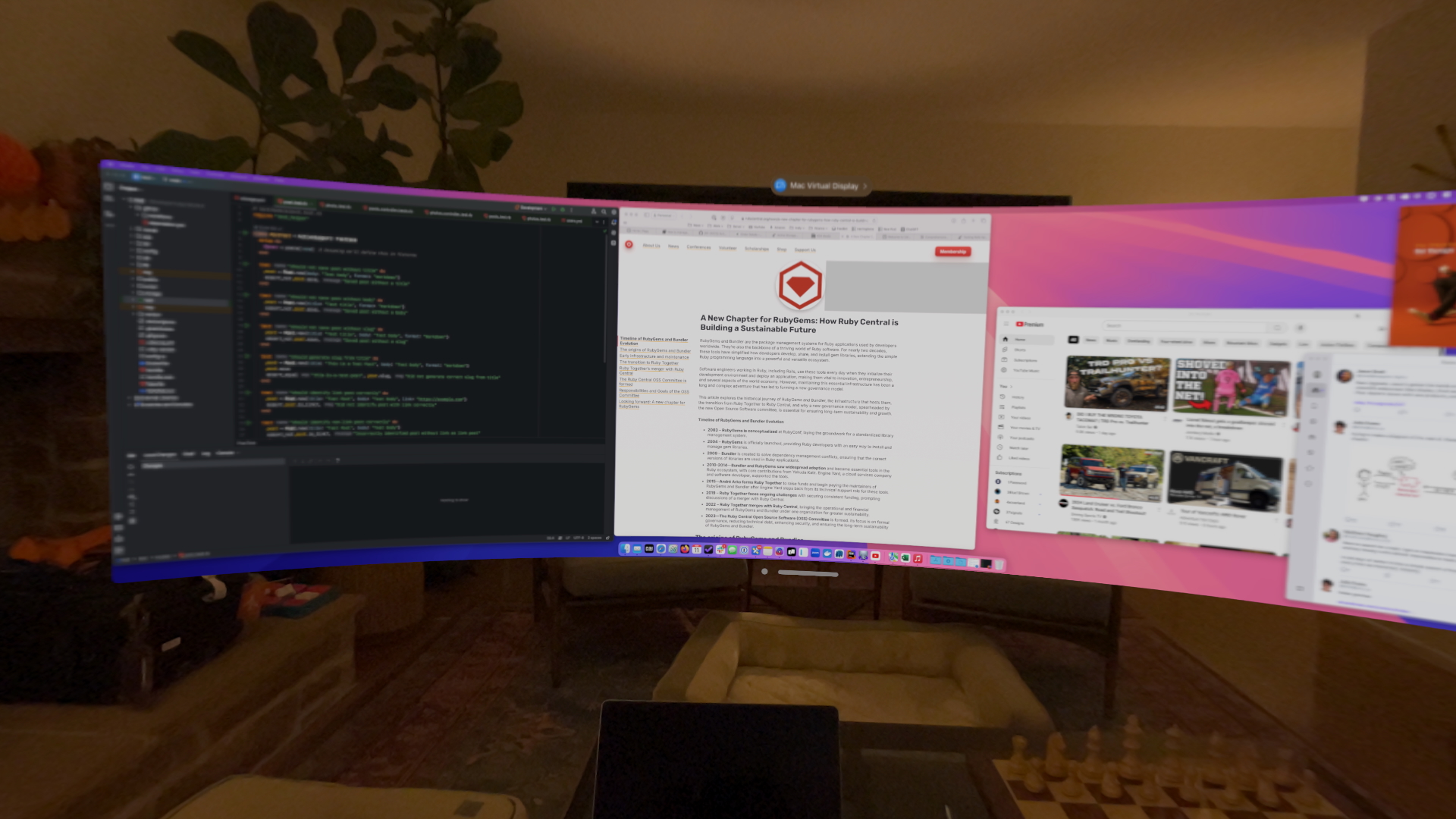
I didn’t think to take a screenshot of the view while on the plane, but here’s one from my living room. It looks blurry here because of how the screen grabs work, but I assure you it looks nice and sharp in the Vision Pro itself.